Quickstart
From download to a first answer on your own Mac, then to your own box.
OxOn Desktop is in early access, on Mac with Apple silicon.
- Get the appRequest early access on the download page; we send the build. Open it.
- Pick a model that fitsOpen Models and settings. Each model says how much of your Mac’s memory it needs, and the one that suits your machine is marked. Choose Get and use.
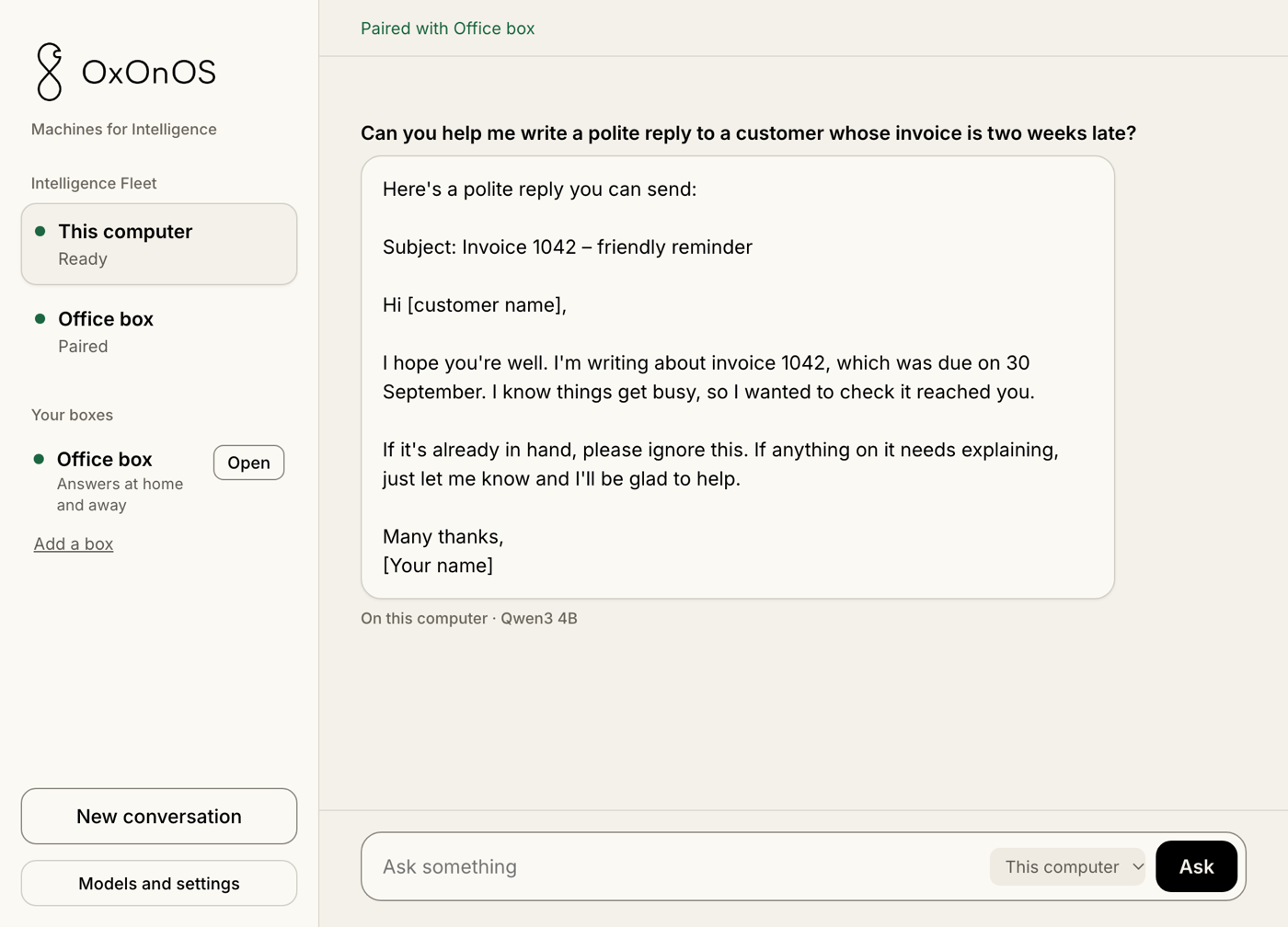
- Ask somethingType a question and press Ask. Under the answer is where it ran: On this computer.
- Pair with your boxIf you have an OxOnOS box, choose Add a box and type the code your box shows. The box appears under Your boxes.
- Ask your boxSwitch the picker beside Ask from This computer to your box. The answer is labelled with the box’s name.